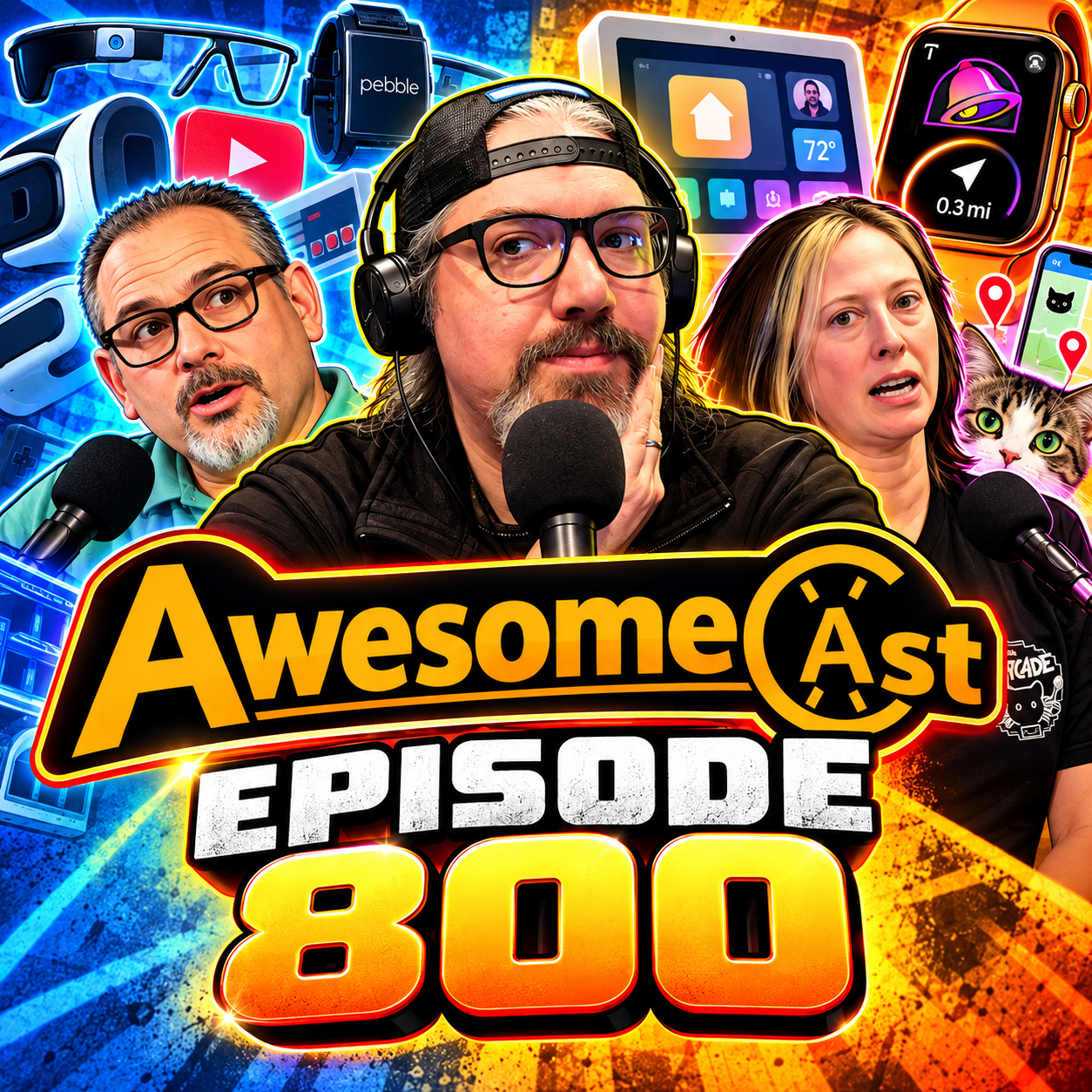
AwesomeCast 800: 800 Episodes Later: Tech Got Weird
Eight hundred episodes later, technology is somehow getting more ridiculous—and AwesomeCast is still here to talk about it.
Sorg, Katie Dudas and Dave Podnar celebrate AwesomeCast 800 with a mix of brand-new gadgets, weird apps, AI-powered software experiments and a trip through more than 16 years of tech history. From Google Glass and Pebble to vibe-coded Adobe alternatives and an Apple Watch that literally points toward Taco Bell, this episode is both a look back at where we’ve been and a pretty accurate snapshot of where technology is heading next.
Vibe Coding Comes for Adobe—and Maybe Microsoft
Sorg takes ArtCraft for a spin, looking at its collection of creative tools, simplified video editing and AI integrations. The bigger conversation is about what happens when an experienced developer uses AI-assisted coding to recreate pieces of expensive subscription software.
The hosts discuss:
ArtCraft’s simplified creative and video tools
AI generation integrations and credit-based pricing
Whether tools like this could fill the gap left by simpler editors such as Adobe Rush
The difference between casually prompting an app into existence and having enough development experience to actually finish and maintain one
The creator’s reported interest in building alternatives to Microsoft Office-style apps and possibly other subscription software
Subscription fatigue and whether smaller AI-assisted competitors can put pressure on Adobe, Microsoft and other established software companies
Sorg’s own experiments using AI coding tools to build internal project-management software
ArtCraft / FilmCraft:
https://getartcraft.com/apps/filmcraft
Background:
https://gizmodo.com/someone-vibe-coded-a-free-knockoff-of-adobe-creative-suite-2000823322
Microsoft Office alternatives:
https://www.tomshardware.com/software/microsoft-office/creator-of-free-adobe-clones-unveils-open-source-microsoft-office-excel-powerpoint-and-word-replications-autodesk-tools-and-other-subscription-based-services-may-come-next
Apple HomeView: Who Is the $299 Smart Display For?
Dave breaks down Apple’s new home-focused announcements, including updates involving Apple TV, HomePod mini, Siri AI and the new Apple HomeView.
The HomeView discussion focuses on its square display, Apple-style interface, home placement, FaceTime functionality and ability to recognize different household members. That last feature leads to one of the episode’s best practical questions: if a shared HomeView can know who is looking at it, why can’t a family iPad do the same thing?
The bigger question is price. At $299 before some mounting options, does HomeView solve enough problems to become a normal household device—or is this mostly for families already deep inside Apple’s ecosystem?
https://9to5mac.com/2026/10/13/apple-homeview-announced-features-price-release-date/
Katie Finally Discovers Where All Those Dropout Clips Come From
Katie’s Awesome Thing is Dropout, the independent streaming service behind shows she had already been discovering through social clips.
The crew talks about Game Changer, Smarty Pants, Dimension 20, the service’s CollegeHumor roots and why some of the programming works almost as well as an audio experience as it does on video.
For Katie, the revelation was basically: “This is where these shows come from.”
800 Episodes of Awesome History
Then it’s time to look backward.
AwesomeCast traces its history to 2010, which means the show has lived through an absurd number of supposedly world-changing technologies.
Among the flashbacks:
Sorg’s Google Glass era
Talking about 3D printing in the earliest days of the show
Google Stadia and wondering whether Google would eventually abandon it
Debating Netflix, Roku and cord cutting back in 2011
Pebble before smartwatches became normal
Early ChatGPT and Midjourney experiments
Meerkat and Periscope before live video became another button inside every social platform
The chaos of Google+
Vine creators and the short-form video era before TikTok
Apple Vision discussions
Old AwesomeCast clips that continue collecting views and comments years later
The retrospective also turns into a reminder that changes feel incremental while they are happening. Look back across 800 episodes, however, and the difference is enormous.
ChachiSays Video Game Minute
Chachi returns with three quick gaming stories:
Eli Manning says Peyton Manning found a very Manning-like competitive advantage while playing Tecmo Bowl.
https://sports.yahoo.com/articles/eli-manning-admits-peyton-manning-230855059.htmlA real Lexus inspired by the Street Fighter II bonus-stage car is being given away.
https://www.motor1.com/news/810970/street-fighter-ii-car-giveaway/Jay and Silent Bob are heading into the farming-simulator business with Jay and Silent Bob: Joint Venture, announced for Steam with consoles expected to follow.
https://www.ign.com/articles/jay-silent-bob-joint-venture-trailer-gameplay?fbclid=Iwb21leAU2AShleHRuA2FlbQIxMQBwZG9mBXNydGMGYXBwX2lkDDM1MDY4NTUzMTcyOAABHlZ5vTYCOuFcL9tPfkTBTC8JeX7h7FRyv8Kkj6rNkz8Nj9FBUSswyO8qXI5a_aem_40PO5dnTmHpro9PXk_mSUg
Point Your Wrist at Tacos
The T-Bell Compass might be one of the most specifically useful Apple Watch apps AwesomeCast has ever encountered.
Its job is simple: show you the direction of the nearest Taco Bell.
Sorg demonstrates it in the studio, immediately inspiring requests for an In-N-Out version and possibly an entire Pittsburgh Taco Bell rating system.
https://apps.apple.com/us/app/tbell-compass/id6761598622
“I Need to Collect That Cat”
Cat Collector turns spotting neighborhood cats into a real-world collecting game.
Photograph cats you encounter, add them to the map, see what other cats people have discovered nearby and even turn your finds into iMessage stickers.
Naturally, Sorg has already found himself pulling over because there was a cat he needed to collect.
Normal Tools: A Site Full of Tiny Useful Things
Normal Tools is basically a digital junk drawer where everything is actually labeled.
The hosts browse tools for image conversion, CSV viewing, QR codes, aspect ratios, projectors, building calculations, game controllers, screens, batteries and much more.
The appeal is straightforward: find the little utility you need, use it, and move on.
Pittsburgh International Airport Keeps Experimenting
The episode closes locally with another look at technology being tested through Pittsburgh International Airport’s innovation efforts.
The hosts discuss robotics that can potentially help monitor terminal conditions—including passenger flow, cleanliness and environmental conditions—along with analytics intended to give airline teams better information during boarding.
https://www.facebook.com/photo/?fbid=1527880259386316&set=pcb.1527880329386309
Supporting Pittsburgh podcasting with the perfect pepperoni pizza:
www.SliceonBroadway.com